Add Notes To A Reservation
- 1 min read
- 4 screenshots
- Updated
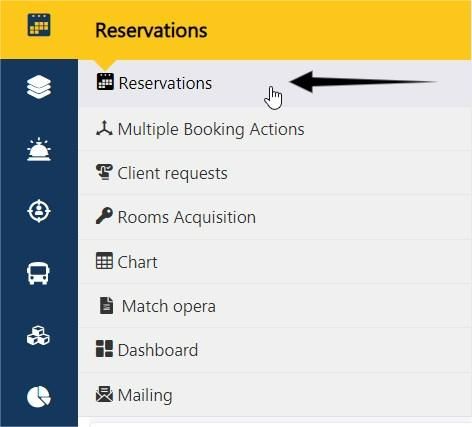
-1- We go to the reservations page.
-2- We click on the reservation number.

-3- We proceed to the remarks.
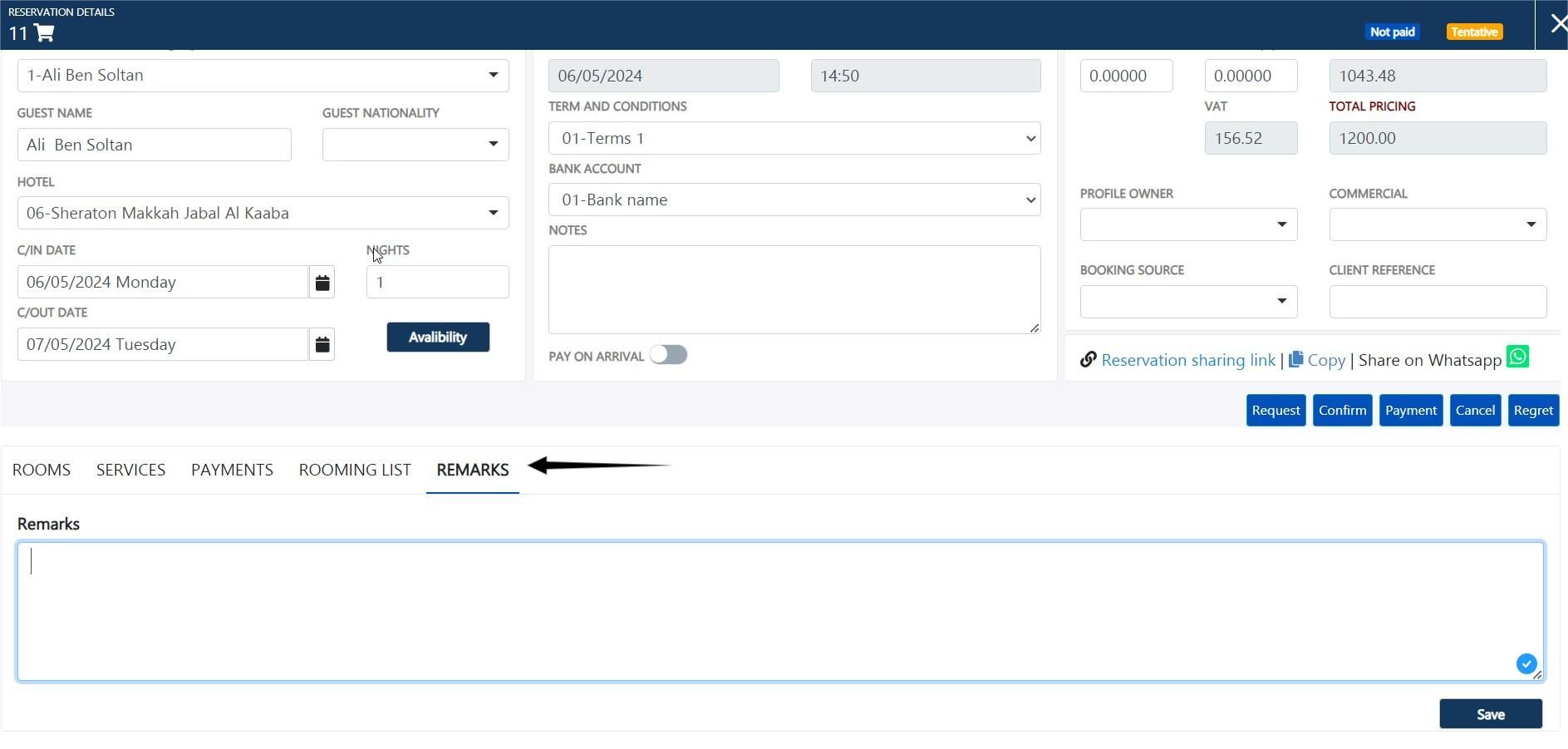
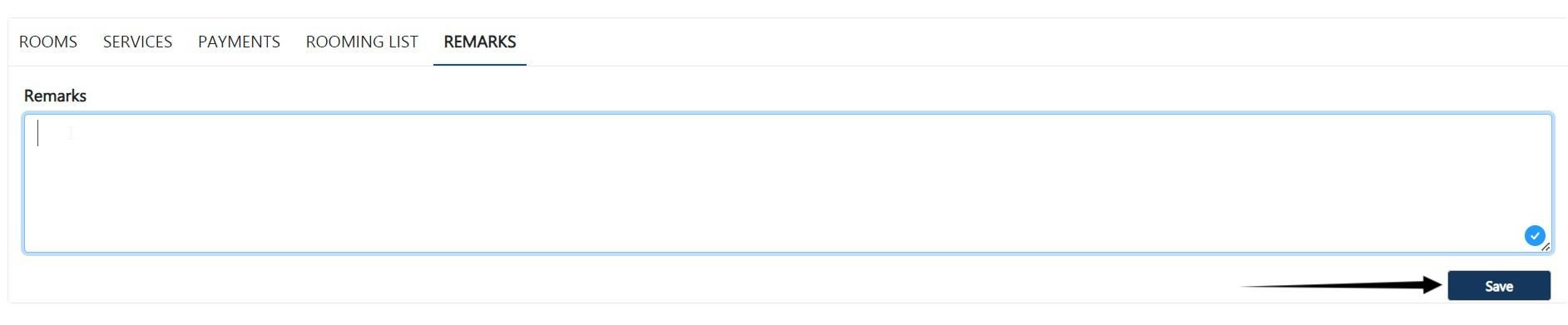
-4- You can add your note, then click on the save button.
-1- We go to the reservations page.
-2- We click on the reservation number.
-3- We proceed to the remarks.
-4- You can add your note, then click on the save button.