Change Excel sheet extension from cvs to xlsx
change excel from csv to xlsx
- 1 min read
- 6 screenshots
- Updated
- Lmhsbt
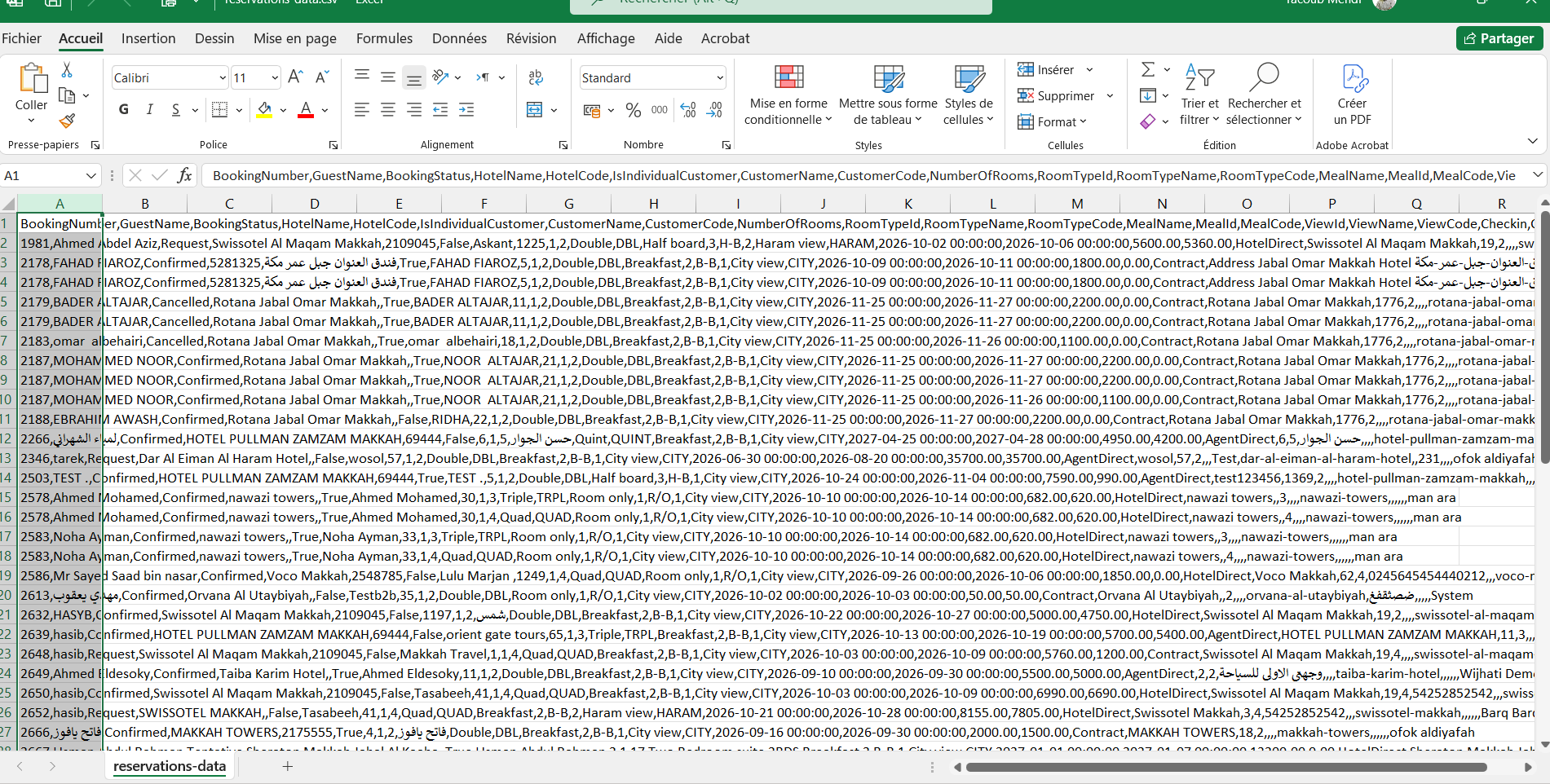
1- Open the file report.csv with Microsoft Office Excel.
2- Select the first Column.
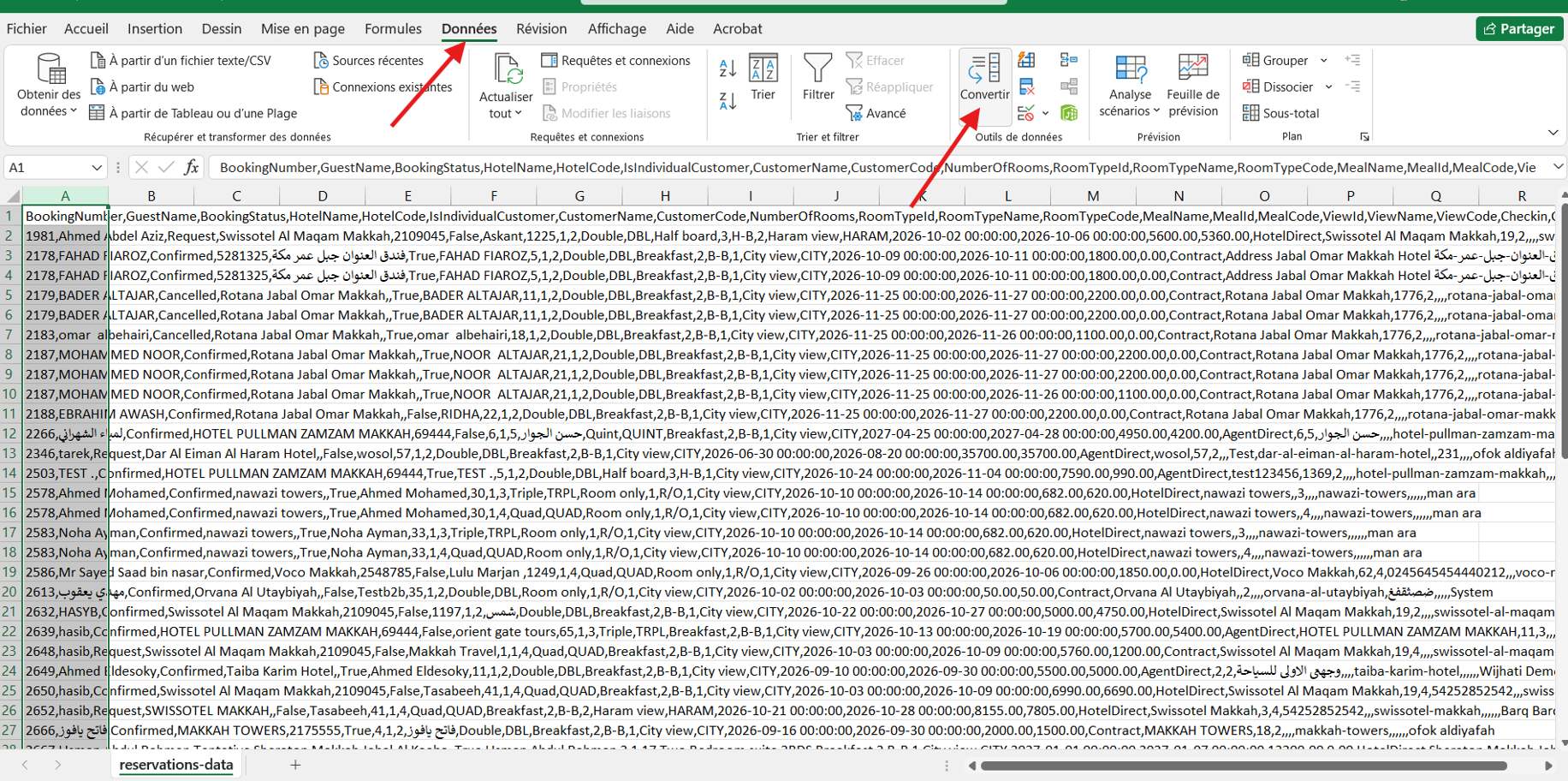
3- Go to the tab Data.
4- Click on Conversion in the Menu.
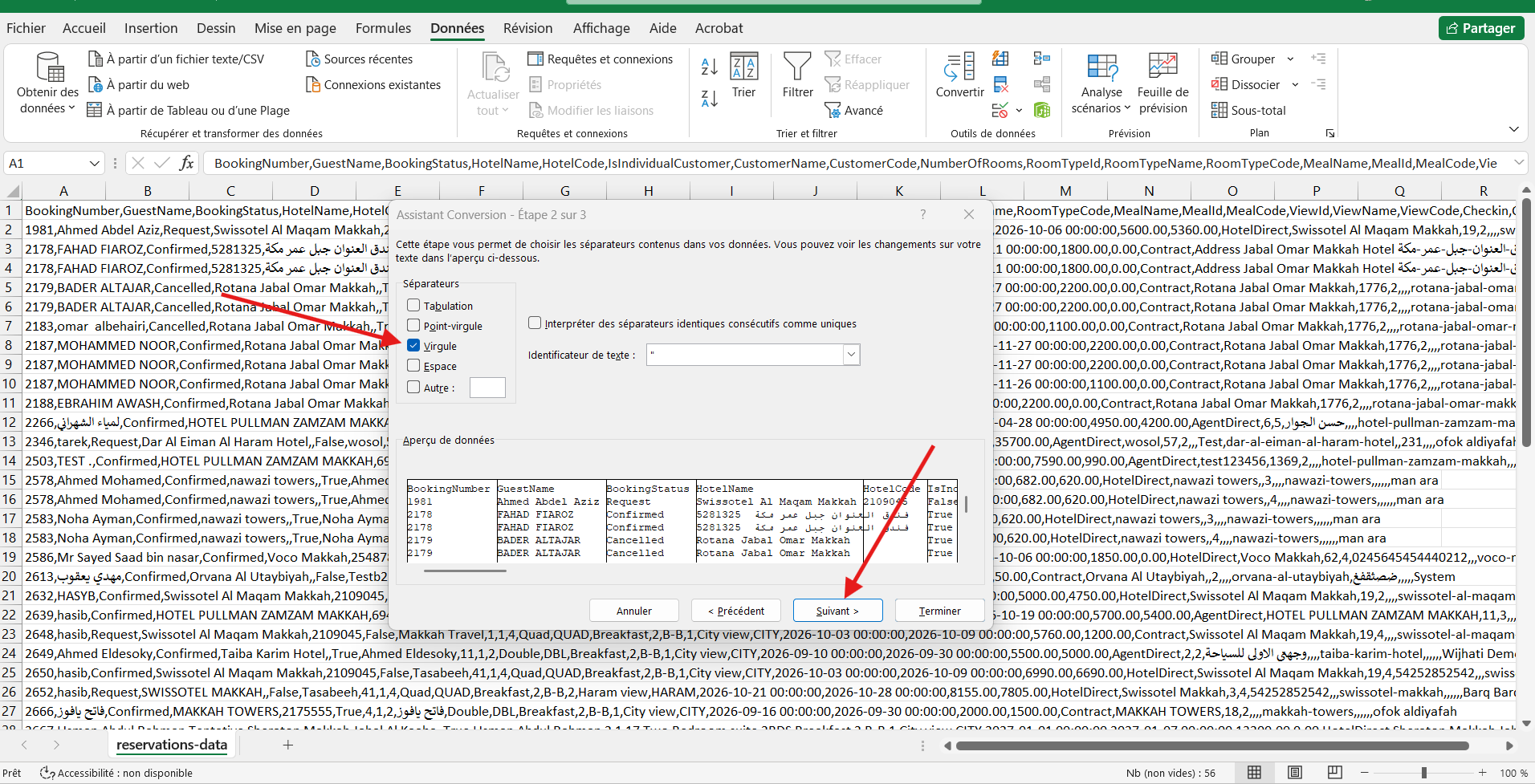
5- Select the separation with comma or tabs and click next.
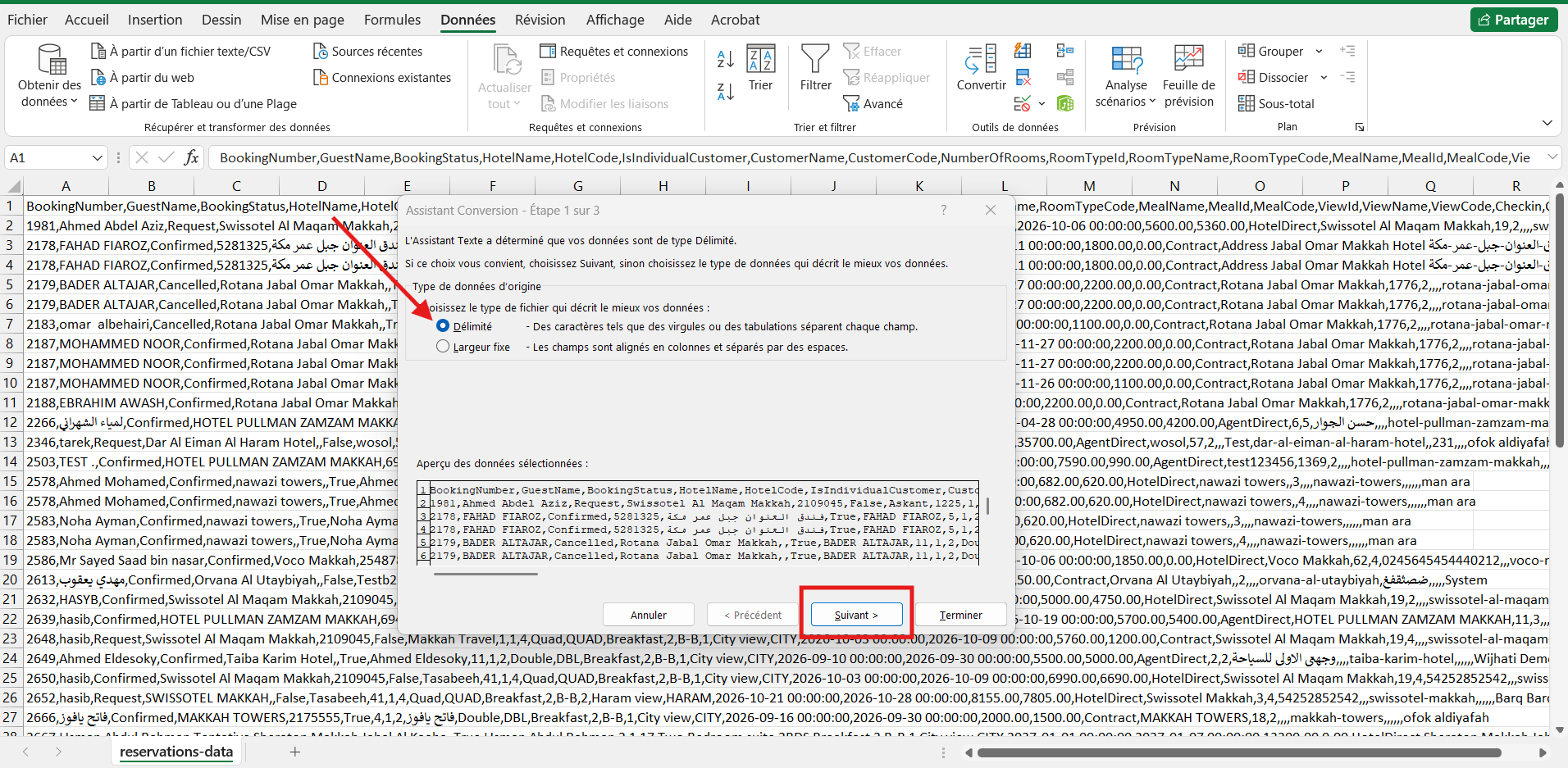
6- Select the third option 'comma', and click Next.
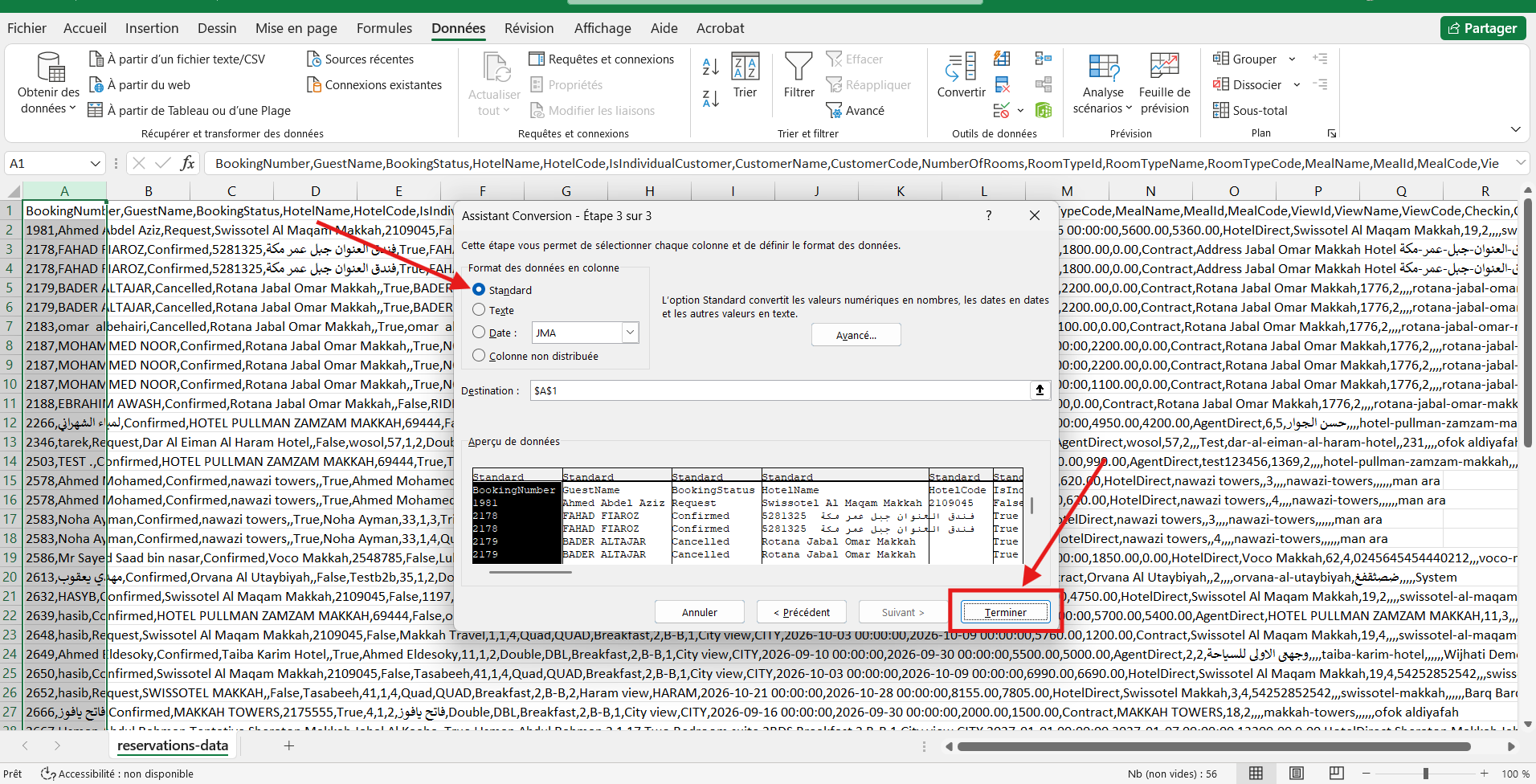
7- Select the first option 'Standard', and click terminate.
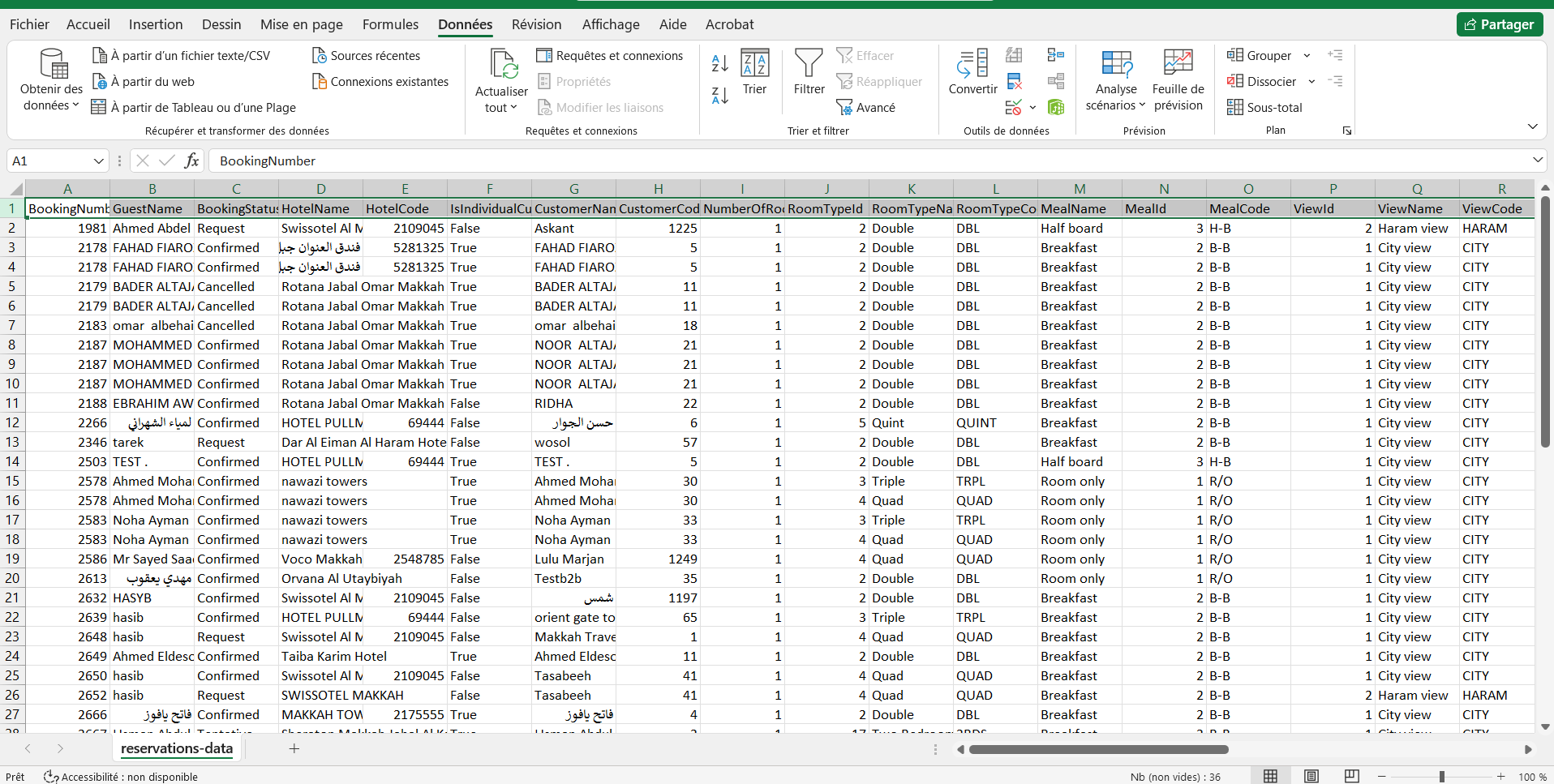
8- The Result should be like this.