List of Reserved Rooms: Rooms Acquisition
- 1 min read
- 4 screenshots
- Updated
-1- To view the rooms that have been reserved, go to the Rooms Acquisition page in the Reservations section.
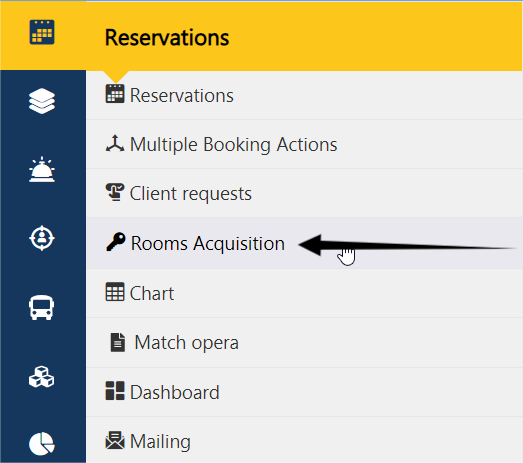
-2- The Rooms Acquisition page will appear.
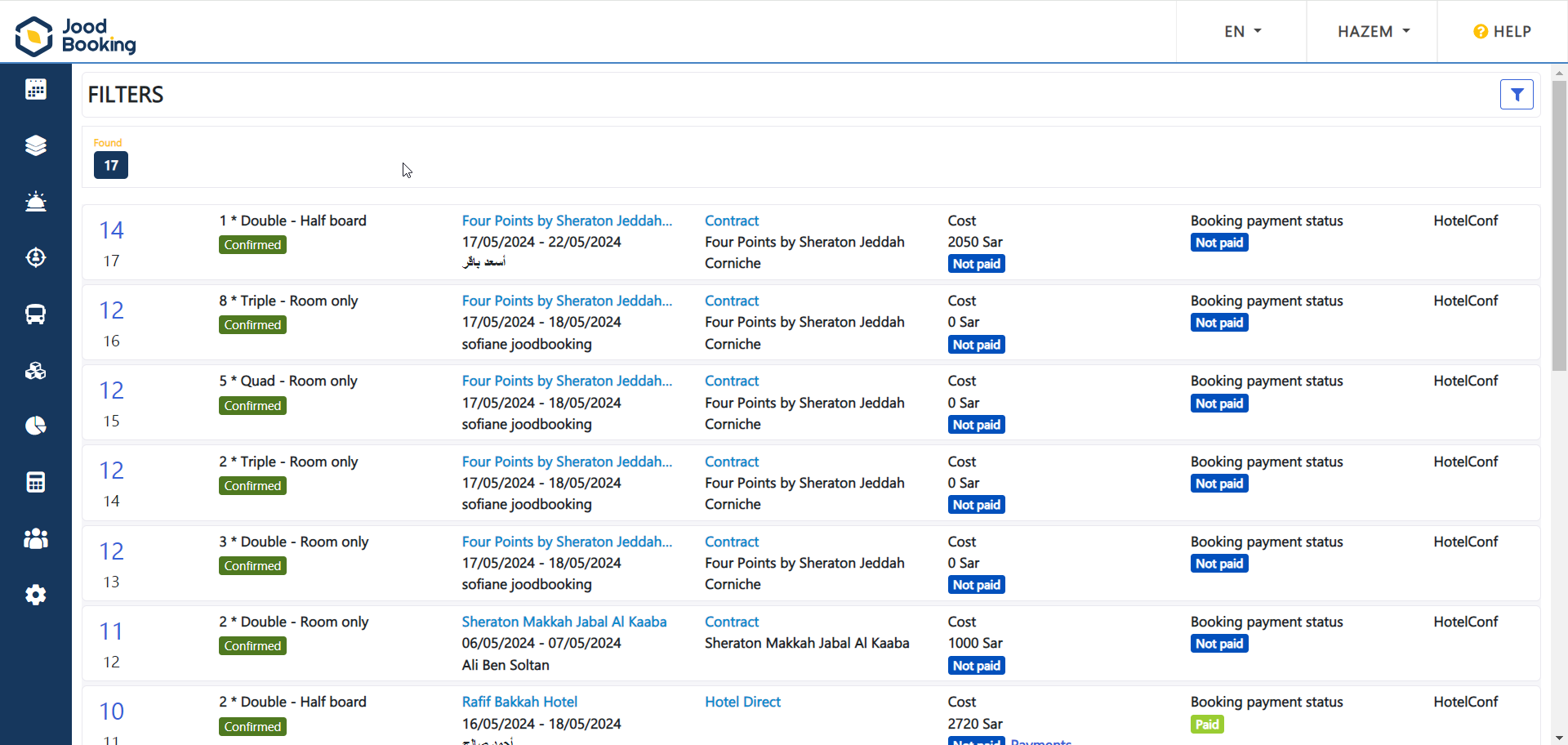
-3- Where the details of the reserved rooms will appear as follows.

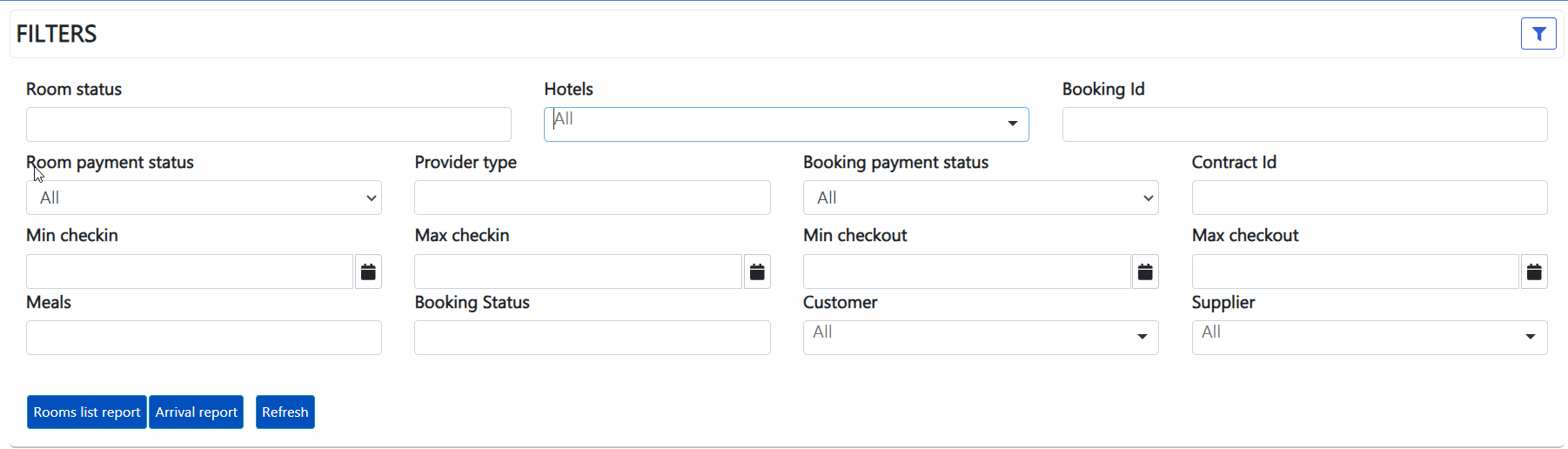
-4- You can use the filters to specify a particular type of room, a certain payment status, or a specific booking period… then click the search button, and afterward, the print button as needed.